Categories
VMware vSAN

homelab vSAN on vSphere 7.0 – Part 2 (Hardware Config)

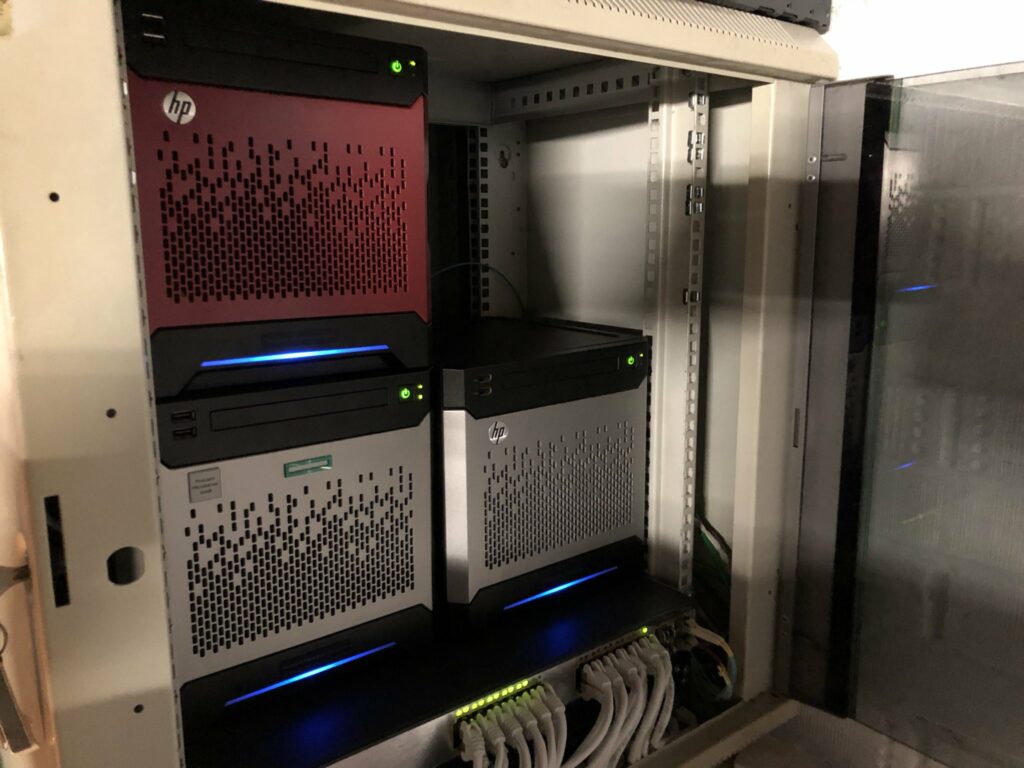
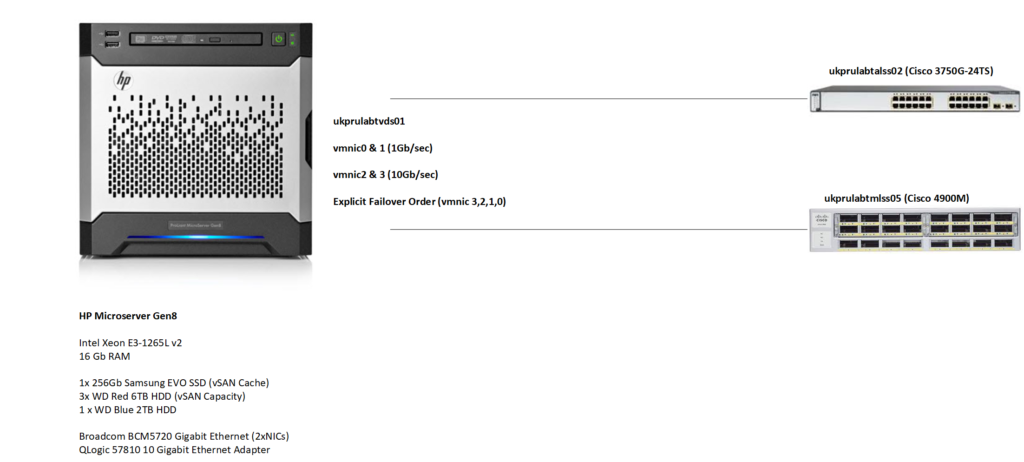
For my vSAN instance I’m using 3 HP Gen 8 Microservers which form my NSX for vSphere lab cluster. The spec for all 3 nodes is:

CPU: Xeon E3-1265L v2 (Ivy Bridge)
16Gb RAM,
20TB HDDs
(3xWD Red 6TB for vSAN, 1x WD Blue 2TB for local storage )
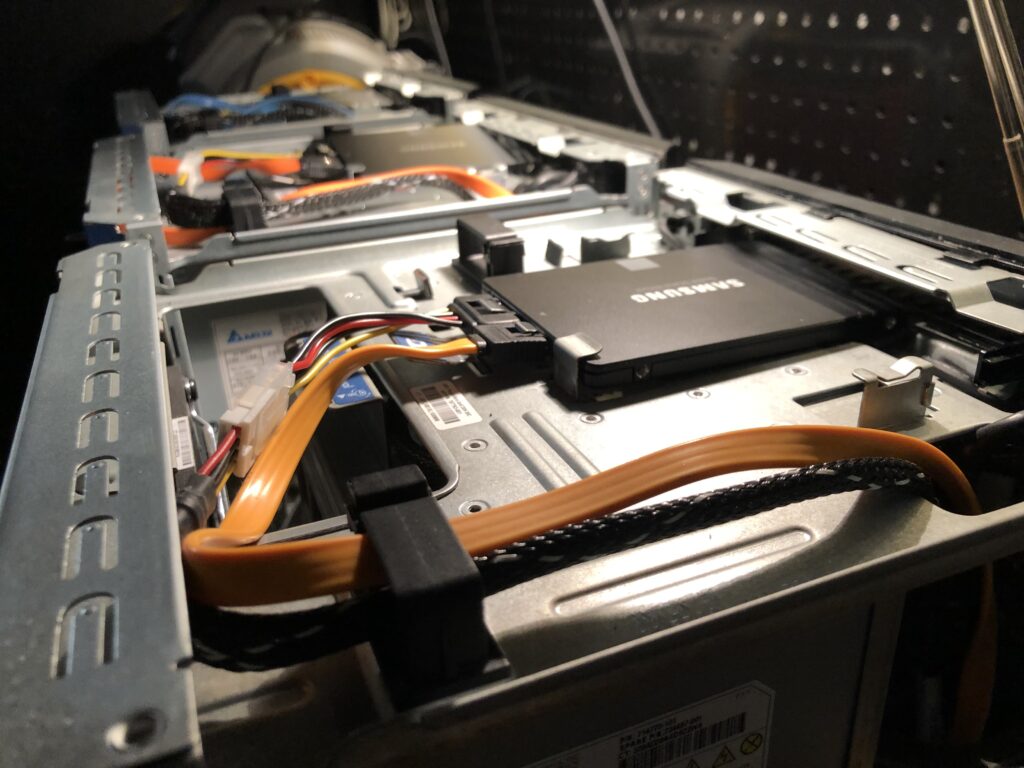
256Gb Samsung 860 EVO SSD
HPE QLogic 57810s 2x10Gb NIC
Broadcom (onboard) 2x1Gb NIC

I have these NICs connected to two switches – a Cisco 3750G (which acts as my management switch and is always on) and a Cisco 4900M (which provides 10Gb switchports and is powered on when I’m using my lab). The two switches are connected together via 4x1Gb trunks and share the same common VLANs.
The benefit of using this particular model of HP Microserver as a platform is that although it isn’t officially listed as supported on the vSphere 7 HCL, all hardware works with vSphere 7 out of the box with no modifications.
Categories
VMware vSAN

homelab vSAN on vSphere 7.0 – Part 1 (Requirements)

In this series of posts, I’m going to run through the setup of my homelab vSAN instance.

vSAN is VMware’s virtual SAN technology, that takes storage from vSphere hosts and aggregates it into the form of logical storage that can be accessed collectively across these hosts.

This storage can be all flash, or a mixture of disk and flash (hybrid).

There are various considerations and requirements for vSAN which I’m going to run through as part of this series.

Requirements

In order to deploy vSAN, there are a number of requirements that need to be met:

Capacity Disk(s) – At least drive per host for storage of data. If you’re looking at a hybrid vSAN this can be a hard drive, if you want all-flash it needs to be an SSD.


Caching Disks/SSDs – An SSD per host for caching of data. In a production deployment this cache drive should be at least 10% of the anticipated storage on the capacity disks.

Memory – Running vSAN requires memory footprint per host, however the amount required is not fixed and depends on a number of factors (size of caching tier, capacity tier, number of disks, vSAN mode and so on). There’s a helpful VMware KB Article that runs through the various factors that influence this memory requirement.

Networking – For a hybrid vSAN, 1Gb/sec networking is fine, but to get the most out of a flash configuration, 10Gb/sec is recommended.

Hosts/Nodes – A standard vSAN cluster must contain a minimum of 3 hosts that contribute storage capacity to the cluster.