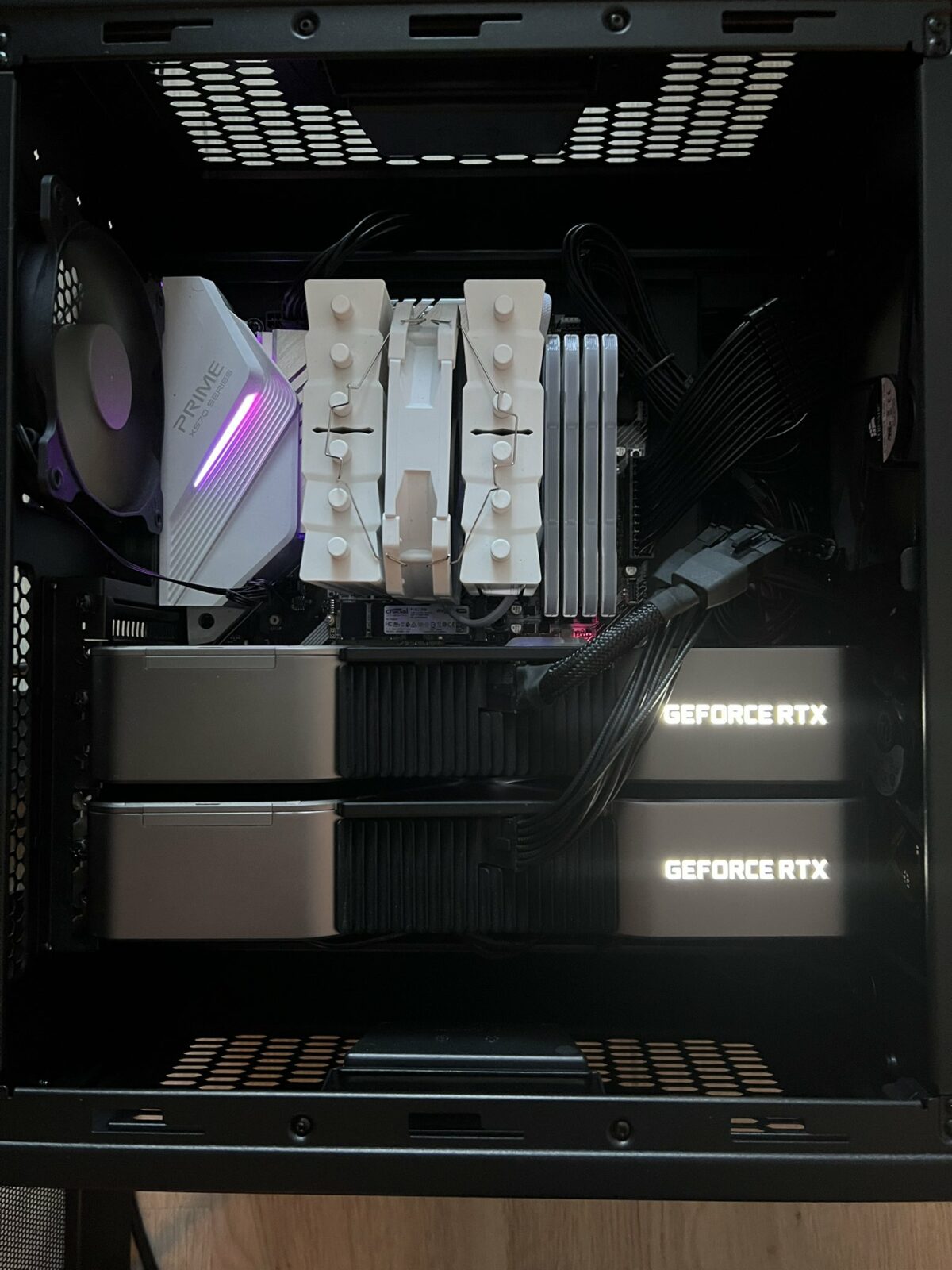
I’ve been meaning to experiment more with AI, but wanted to avoid paying for subscriptions to do it. I also wanted to experiment with as wide a variety of models as possible. I had some spare hardware sitting round from my last gaming PC build and thought it might be a good idea to try building a host for ML workloads.
My objectives were:
- Create self-hosted capacity for running these workloads whilst spending as little as possible by re-using existing hardware
- Learn more about the dependencies and requirements for deploying and running AI/ML locally
- Experiment with as wide a variety of models as possible
- Retain control over the data/input used and data exported
- Develop an understanding of the most efficient/performative configuration for running this type of workload locally
Hardware Install/Build:
For the host buildout, I tried to re-use as much existing hardware and components as I had available. The only purchases at this stage were an additional 3090 FE, and a new 1000W PSU (as I was concerned that 2x3090s would probably be too much power draw for the existing 800W I had spare).
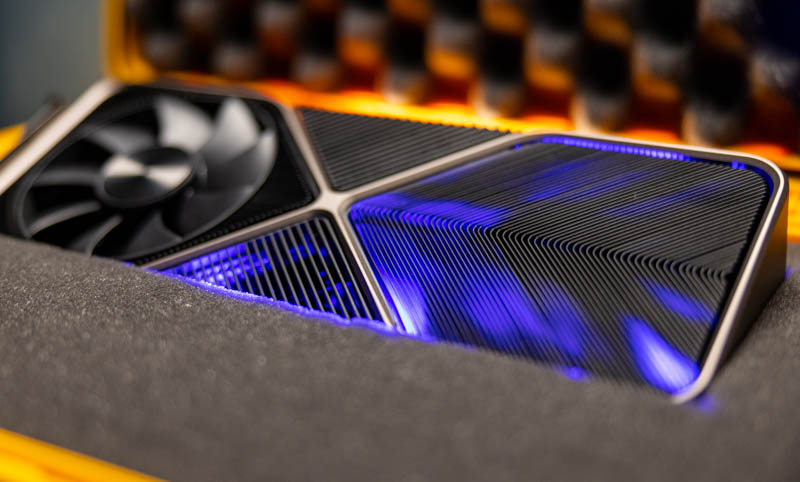
I’d recently upgraded to a RTX 5090 in my main PC and had an RTX 3090 FE going spare. From doing some research into others self-hosting their ML, it appears this card is still popular for running ML workloads given it’s relatively low cost, decent performance and large amounts of VRAM. There was also lots of positive feedback about pairing of two of these cards for running AI/ML, so I decided to buy another one from eBay to try this out.
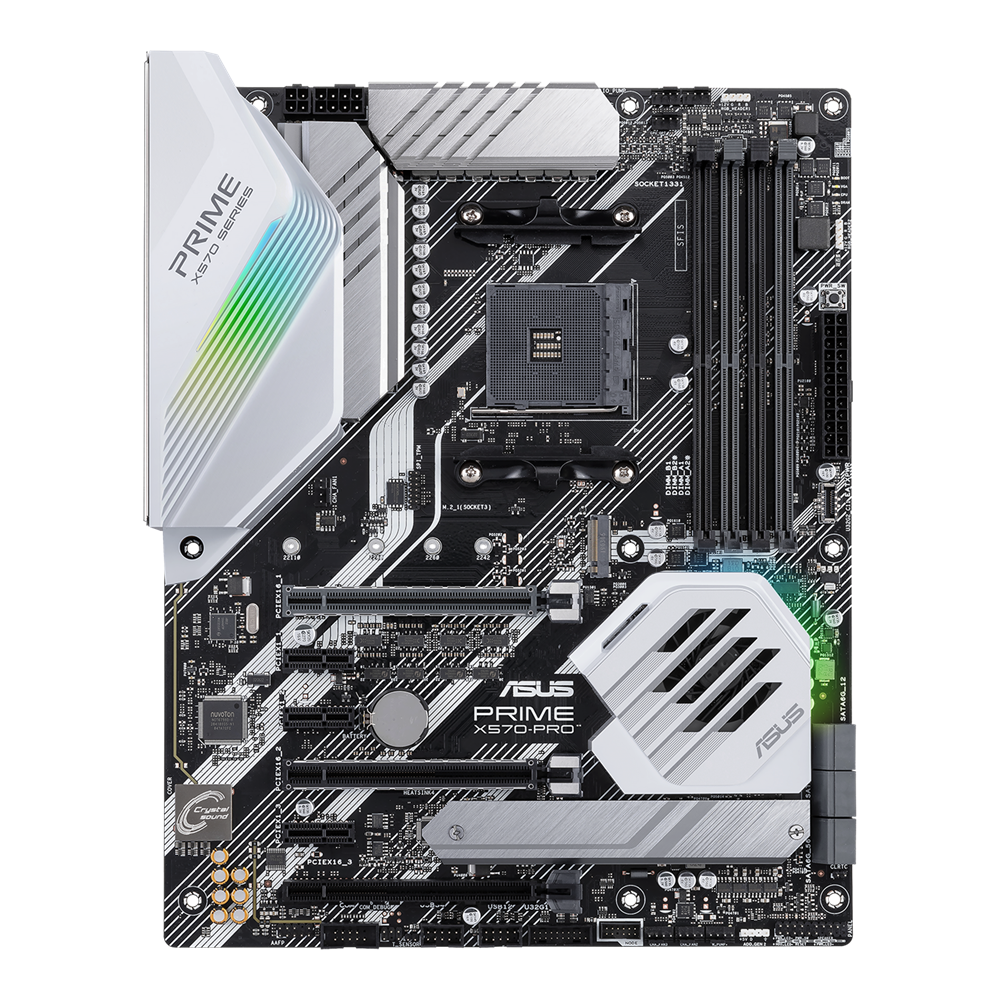
For Motherboard/CPU/RAM, I had an Asus Prime X570-Pro and a Ryzen 5800X3D. Both are a good fit for this as they support PCIe 4.0 (also the spec supported by my GPU) and the motherboard has 2x PCIe 16x slots available (capable of running both of these cards at the same time). I had 64Gb of DDR4 3600 RAM available (which is a nice starting point given the current costs of DDR4/DDR5 RAM at present). The motherboard has 6xSATA connectors, which is handy for connecting up multiple drives (as well as two hotswap bays in the case).
Storage was provided using a mixture of SSDs I had spare/available. I used a 1TB Crucial NVMe drive, along with 2x250Gb Samsung 870 EVO SATA SSDs for boot drives, and a 4TB Samsung 860 QVO for extra capacity.
For the case, I made use of a spare Coolermaster HAF XB, which has great airflow and lots of space (or so I thought) to fit in all of the components I was intending to use, as well as being a really easy case to work on and to move around. I reused a mixture of Corsair and Thermaltake 140mm/120mm fans to provide airflow.
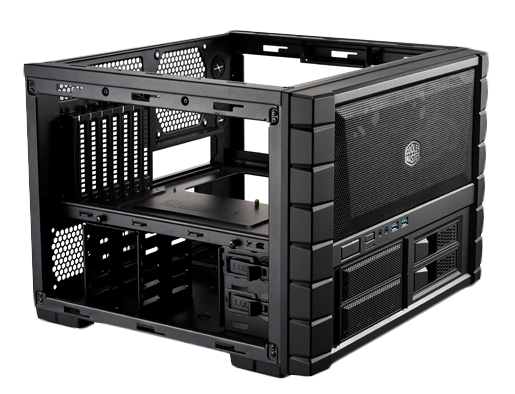
I’d forgotten how long the 3090 FE was as a card (namely because the 5090 that replaced it was even longer). To get both 3090s into the case, I had to move the 140mm intake fans from inside the case to the outside of the case, mounted between the outside of the case and the front plastic facia. Luckily this worked without the fans fouling on the facia or on the external edges, and left me with enough room to mount both cards.
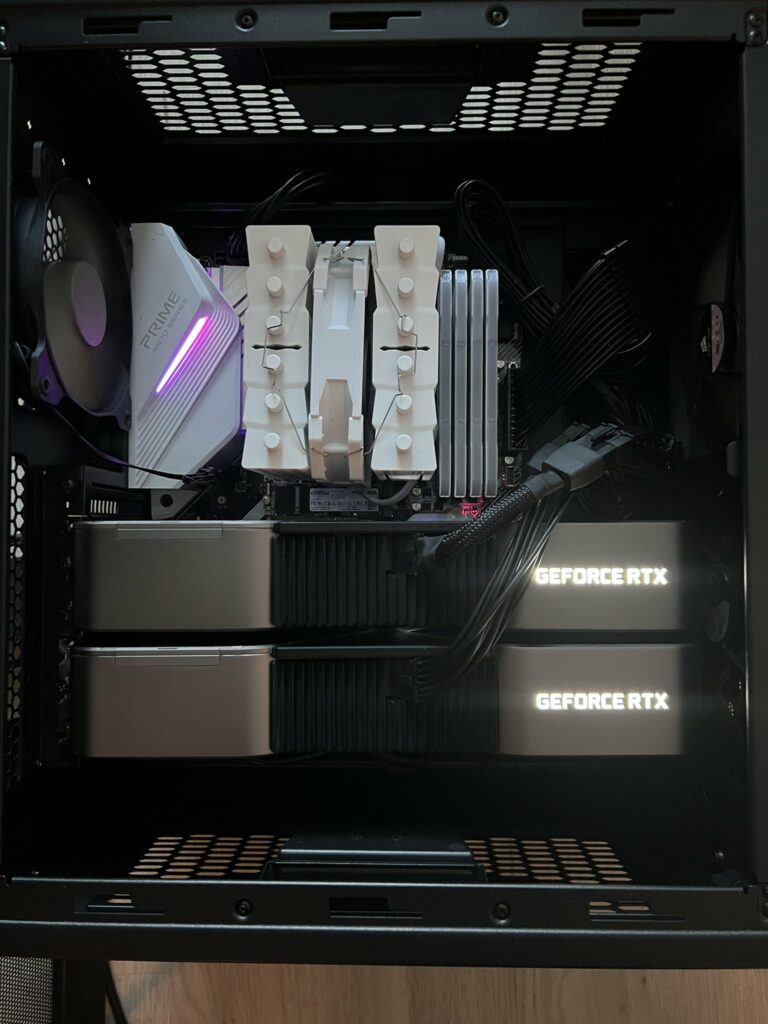
Given the width of the 3090 cards (3-slots wide), this completely obscured the other PCIe slots on the motherboard, meaning I’d be unable to install any other cards (such as a 10Gb NIC, or an additional NVIDIA GPU).
Specs:
CPU: AMD Ryzen 5800X3D
Motherboard: Asus Prime X570-Pro
RAM: 64GB DDR4 3600
GPU: 2 x NVIDIA 3090 RTX FE
Storage: 5.5TB (2 x 250GB, 1 x 1TB, 1 x 4TB SSD)
Case: Coolermaster HAF XB
PSU: Corsair RMX1000x